
Staying Connected in Japan: How to Choose the Right eSIM Data Plan to Avoid Dropped Connections
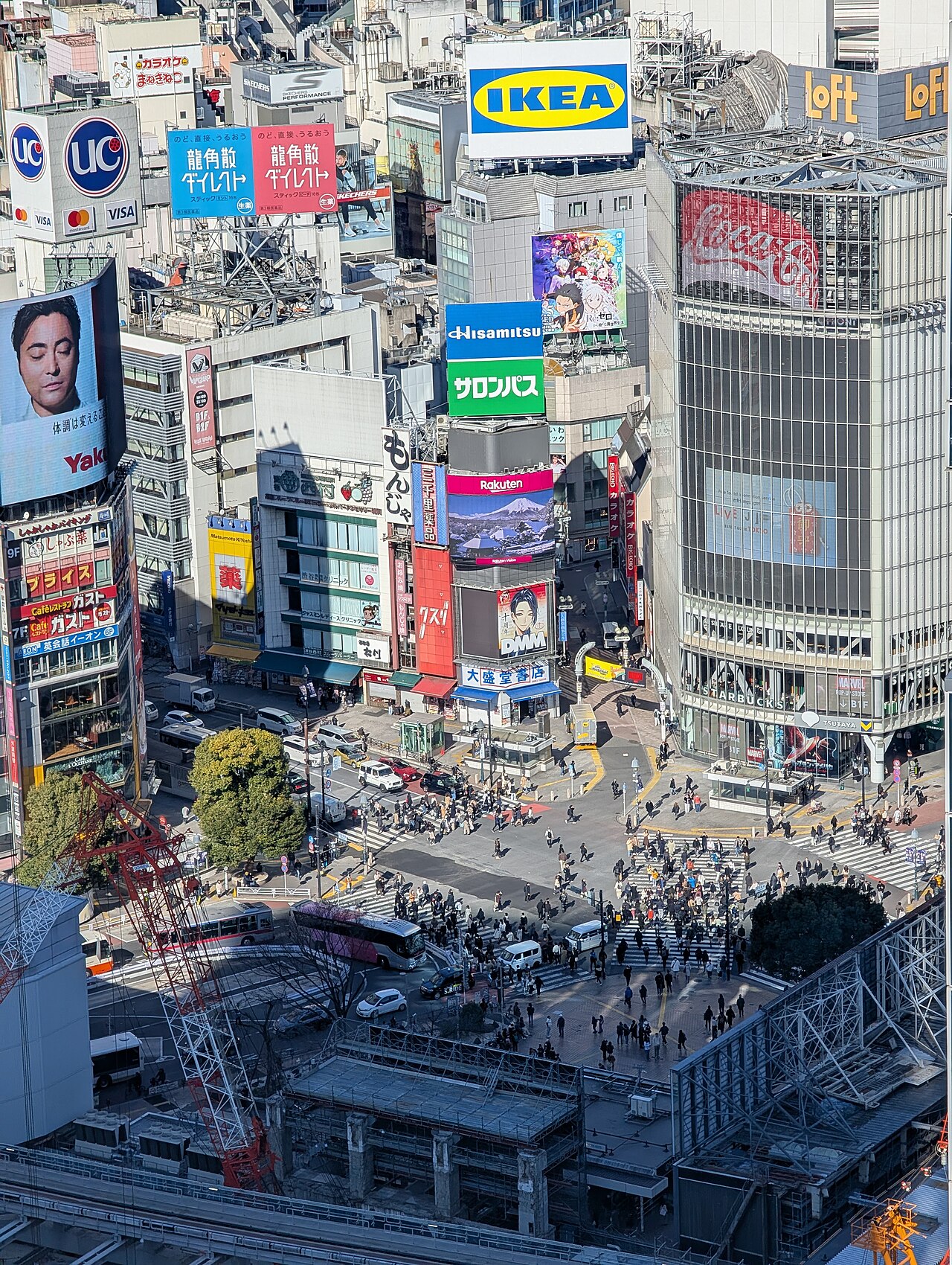
Japan trips usually fail online when the plan type is wrong, not when the signal is missing. When traveling to Japan, the biggest connectivity issue isn't a lack of coverage—it's running out of high-speed data on day two and being left with speeds too slow to even load a map. Deciding between an Unlimited, Daily, or Fixed data plan before you fly is much safer than scrambling to compare prices at the airport.
Bento's Japan plans are designed to be stress-free. You can choose your days and data limits from the comfort of your home, pay, and save your installation details. You don't need to activate it before boarding; the plan only starts running once you arrive and connect to the local network.

Step 1: Choose Your Plan Based on Your Itinerary
A three-day weekend in Tokyo focusing on dining and subways requires vastly different data than a seven-day cross-country rail trip with constant navigation and hotspot sharing. Before buying, write down the answers to these three questions:
- How many days are you staying?
- Will you be sharing a hotspot with travel companions?
- Will you be streaming videos?
Your answers will easily eliminate the plans that don't fit.
Unlimited Plans
Perfect for travelers who constantly use maps, upload photos to social media, and occasionally watch videos. Once you hit the daily high-speed cap, your speed will be throttled, but you will never be completely disconnected. If you are sharing a hotspot with your family, an unlimited plan offers much more peace of mind than a small fixed data pool, as it's hard to track how much data kids are using.
Daily Plans (Per-Day Allocation)
These plans give you a set amount of high-speed data refreshing every 24 hours. They are ideal for travelers with predictable routines—for example, using mobile data for daytime navigation and relying on hotel Wi-Fi at night. However, if you take a day trip to a remote area or decide to live-stream, you might burn through that day's allowance quickly, even if you have leftover data on other days.
Fixed / Total Data Plans
This gives you a single pool of data to use across your entire trip until it runs out. It's best for light users who know they will only use text messaging and basic maps, with zero video streaming. Pro tip: Don't just pick the cheapest option. Buying a fixed plan that is too small and running out of data at a busy train station on your last day is never worth the few dollars saved.
Step 2: The Arrival and Installation Checklist
Many travelers fail to install their eSIM because the QR code is saved on the exact phone that currently has no internet access. Here is the foolproof way to get connected:
- Before you leave home: Save the installation QR code to the device you'll be using, take a screenshot, or print it out on paper.
- Upon landing: Turn off Airplane Mode, connect to the airport's free Wi-Fi, and complete the installation.
- Adjust settings: Set your newly downloaded eSIM as your primary source for "Cellular Data." Keep your home SIM active only for receiving SMS (like banking verification codes).
- Test it out: Open your map app and search for your first train station. Do not leave the arrival hall until the map loads successfully.
- Troubleshooting: If the installation page won't load, do not delete the downloaded eSIM profile. Take a screenshot of the error message and check your order status. Deleting and retrying can waste your limited installation attempts.
Hotspots, Maps, and Backups
Hotspots: Sharing your data drains both your allowance and your battery incredibly fast. If two adults are traveling together, it is almost always better to buy two separate Daily or Fixed plans rather than tethering everything to one Unlimited plan. Only rely on hotspots if you are the sole payer managing devices for young children.
Maps & Wi-Fi: Download offline maps for your destination before you leave as a backup, but remember that you still need real-time data for translation apps and ride-hailing (like Uber or GO). While hotel and convenience store Wi-Fi can help save data, their login portals can be glitchy. Don't bet your entire day's itinerary on public Wi-Fi.
Transit Cards: Remember that digital transit cards like Suica or Pasmo are just for tapping into train stations—they do not provide internet access. You still need a dedicated data plan.
Frequently Asked Questions
Will I completely lose my connection after my high-speed data runs out?
If you are on an Unlimited plan, no. Your speed will simply be reduced (throttled) until the next day, but you will still be able to send text messages and use basic maps. If you are on a Fixed plan, yes, data will stop once the total pool is consumed.
Can I install the eSIM before I leave my home country?
Yes! In fact, we highly recommend installing the eSIM while you are still at home on a stable Wi-Fi connection. The plan's validity period won't begin until it connects to a supported network in Japan.
Compare Prices Before You Fly
Select "Japan" on Bento eSIM, browse the Unlimited, Daily, and Fixed options, and match them against your actual travel days. If you have a layover or need data for another destination, you can browse our other regional plans separately.